
Best Laptop for Office Work in 2026 (Best Picks + Verified Deals)
Picking a laptop for office work sounds simple. But once you start looking, there are hundreds of options, confusing specs and lists that recommend the same 5 laptops to everyone — even though everyone's job is different.
This guide is simple on purpose. First, we explain what actually matters in a laptop for office work (in plain words). Then, we match a laptop to your real problem — not just a random "top pick."
Step 1: What Actually Matters in an Office Laptop
You do not need to understand every tech spec. Just these four things:
Processor (the "brain"): For normal office work — email, Excel, browsing, video calls — a mid-level chip like an Intel Core i5 or AMD Ryzen 5 is enough. You only need a stronger i7 if you run many heavy programs at once. An i9 is more than most office workers will ever need.
RAM (short-term memory): 16GB is a safe choice for smooth multitasking in 2026. Go up to 32GB only if you use heavy software like financial modeling tools or you always have many apps open together.
Storage: Always choose an SSD, not an old-style hard drive. This one change makes a laptop feel much faster, more than the processor does.
Battery and webcam: In 2026, a good office laptop should also have a battery that lasts a full workday and a clear camera and mic for Zoom or Teams calls.
Now let's match these basics to real problems people actually search for.
Problem 1: "I just need one laptop for email, Word, Excel and browsing"
This is the most common need and you don't have to spend a lot to get it right. The Apple MacBook Air (M3) is a great all-round pick for this.
If you prefer Windows, the Lenovo ThinkPad X1 Carbon has one of the best keyboards for people who type all day.
✅ Best pick: MacBook Air (M3) — quiet (no fan noise) and the battery easily lasts a full workday.

Apple MacBook Air (M3)
Silent operation, no fan noise and all-day battery life for everyday office tasks.
✅ Windows option: Lenovo ThinkPad X1 Carbon — one of the most comfortable keyboards for heavy typers.

Lenovo ThinkPad T14 / X1 Carbon
Heavy-duty performance, 32GB RAM capacity and best-in-class keyboard for data entry.
Problem 2: "I use a lot of spreadsheets and my laptop feels slow"
If your job involves big spreadsheets, financial reports or many apps running together, a basic laptop will start to struggle. In this case, look for at least a quad-core i5 or i7 chip, paired with more RAM.
✅ Best pick: Lenovo ThinkPad T14 — made for people who type and multitask every day. It has a comfortable keyboard, strong build and stays reliable even during long, heavy tasks.
Lenovo ThinkPad T14 / X1 Carbon
Heavy-duty performance, 32GB RAM capacity and best-in-class keyboard for data entry.
Problem 3: "I sound muffled or look blurry on video calls"
This matters more than people think — a bad camera or mic can make you seem less professional, even when your work is good. Newer laptops are now built with this in mind, offering sharper cameras and clearer microphones made for video calls.
✅ Best pick: Look for a laptop with a 1080p camera and at least two microphones. The Acer Swift Go 14 is a strong pick here — it uses AI-based noise-cancelling microphones to cut background noise during calls.

Acer Swift Go 14
Vibrant OLED screen under $800 powered by Intel Core Ultra processor.
Problem 4: "I carry my laptop everywhere and the battery dies fast"
If you move between home, office and client meetings, weight and battery life matter more than raw power. Look for something light, with strong real-world battery life and fast charging.
✅ Best pick: Dell XPS 13 — one of the lightest laptops in its class, with long battery life built for people who are always on the move. 👉 Check Dell XPS 13 on Dell.com
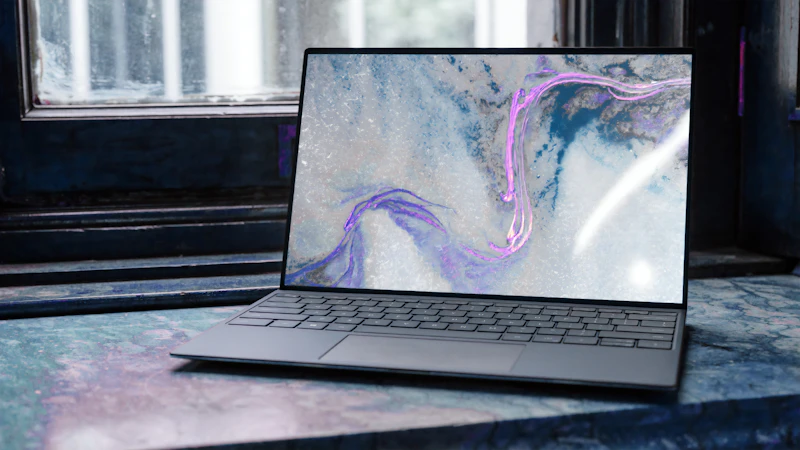
Dell XPS 13 (Copilot+)
1080p camera, dual mic array and up to 18+ hours real-world battery life.
Problem 5: "I don't want to spend too much, but I still need it to work smoothly"
You do not need a big budget to get a smooth laptop for office work. The Acer Swift Go 14 is a good example — it often costs less than $800, but still comes with a sharp OLED screen and a capable processor. The only trade-off is a slightly shorter battery life and a more plastic feel compared to pricier laptops.
✅ Best pick: Acer Swift Go 14 — great value for freelancers or small business owners. 👉 Check Acer Swift Go 14 on Acer.com
Acer Swift Go 14
Vibrant OLED screen under $800 powered by Intel Core Ultra processor.
Problem 6: "I don't want to buy a new laptop again in 2 years"
If you care about saving money long-term (and reducing waste), look at laptops you can repair yourself instead of replacing.
✅ Best pick: Framework Laptop 13 — every part, including the battery and ports, can be replaced or upgraded by you. This means it can last much longer than a normal laptop. 👉 Check Framework Laptop 13 on Frame.work
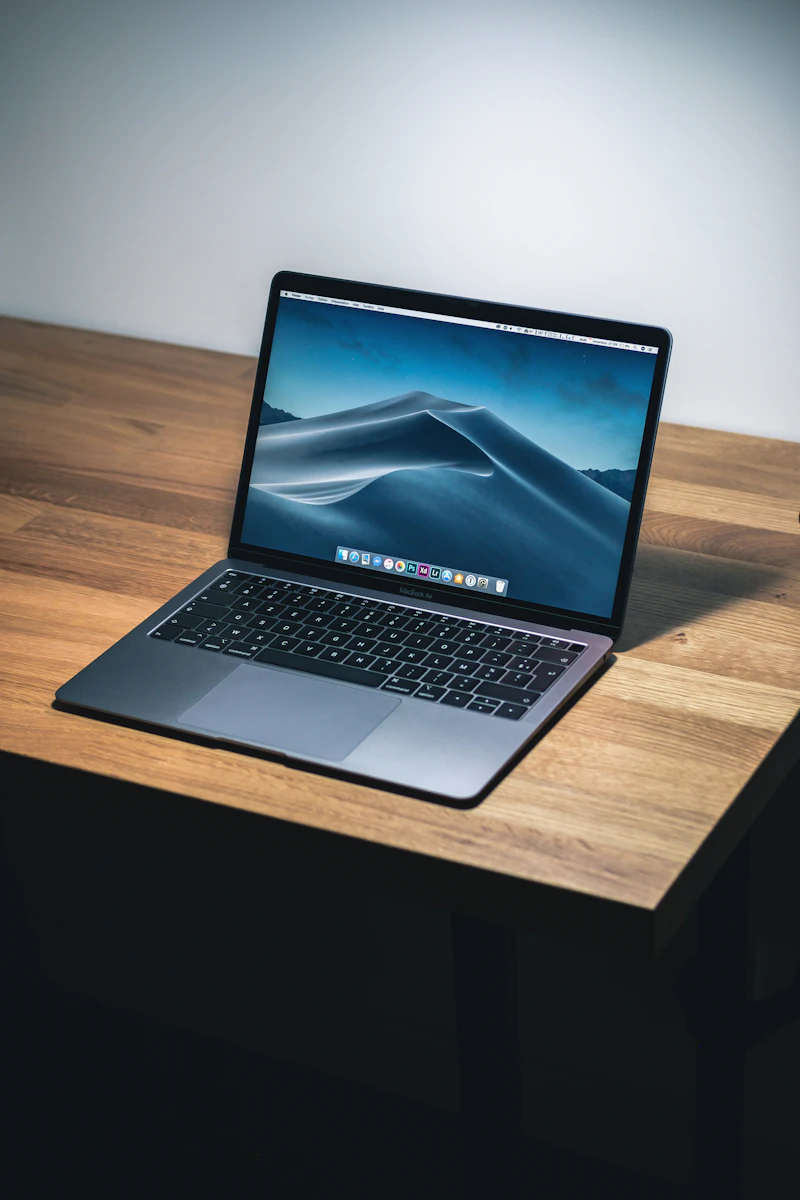
Framework Laptop 13
Fully modular and user-repairable design to prevent hardware obsolescence.
Quick Comparison Table
Frequently Asked Questions
For most people, i5 is enough — it easily handles email, browser tabs and video meetings. Only choose i7 if you regularly run several heavy programs at the same time.
16GB is enough for almost everyone in 2026. Go up to 32GB only if you use heavy software like financial modeling tools or virtual machines.
Windows laptops work with more business software. Mac laptops are known for longer battery life and smoother multitasking. If your company does not require specific Windows-only tools, either one works well.
The webcam and microphone quality. Since video calls are now part of daily office life, this affects how you look and sound to others — often more than the processor does.